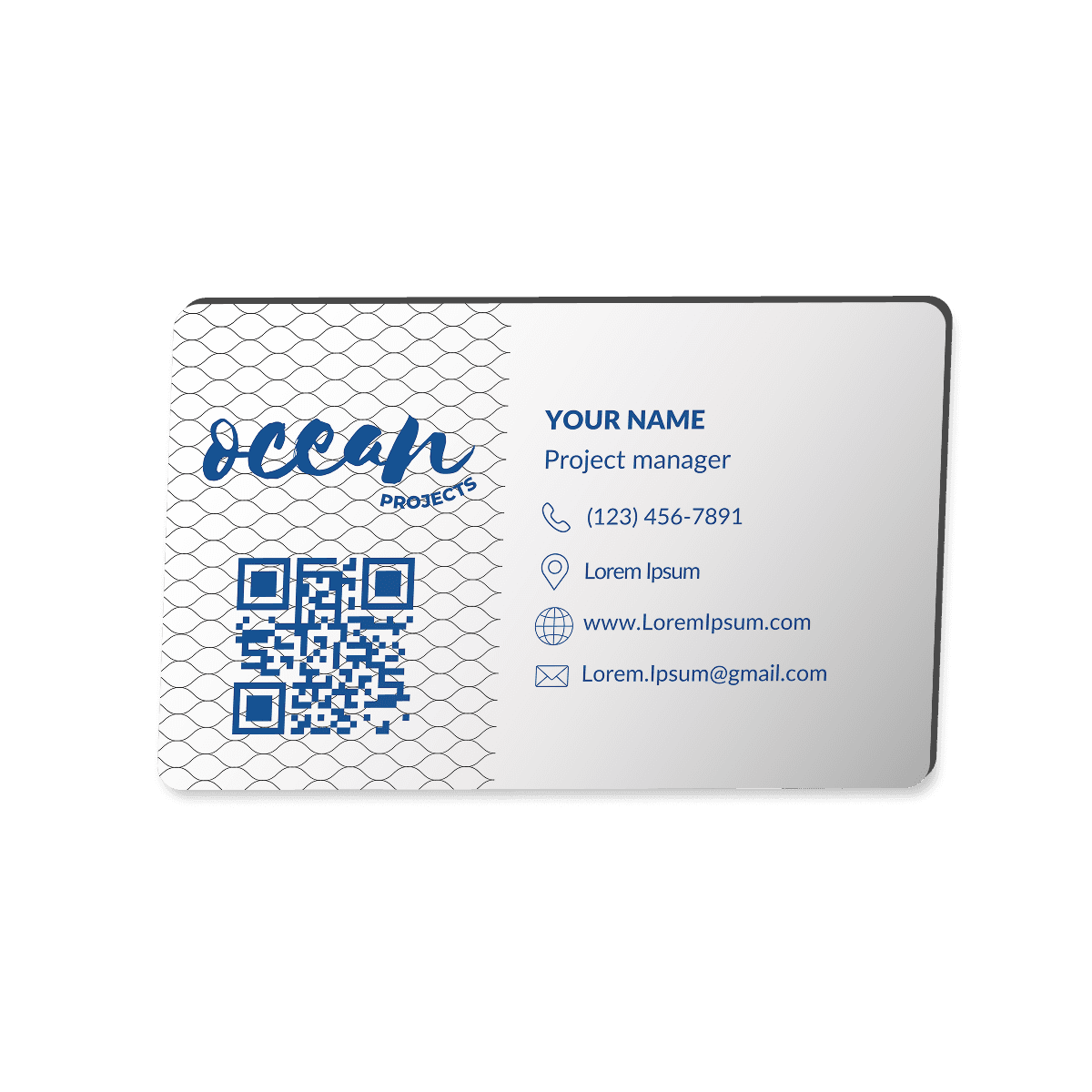
Step by step walkthrough on how you can order your customized smart business card
Step 1 — Who Is This Purchase For?
Right at the start, you’ll be asked:
“Who is this purchase for?”
You’ll see a few options:
For Myself
With My Friends
With My Colleagues
With My Company
So since we’re ordering for yourself today, go ahead and select For Myself.
Step 2 — How Many Cards Are You Ordering?
Next, you’ll be asked how many cards you want to order.
For this example, we’ll choose Below 10.
Now, you’ll see a question asking you to specify your exact quantity.
Let’s say I want to order 3 cards:
One for my house as a backup
One to keep in my car
And one I carry with me every day.
Just enter your preferred quantity.
Step 3 — Your Business Card Design
Here, you’ll be asked:
Do you have an existing business card design?
If you don’t have one yet — don’t worry!
We offer full design customization for only ₱129 pesos.
Our designer will craft a beautiful design for you, and 100% of that small fee goes directly to support the designer.
If you already have a design, that’s great.
We’ll ask if you’re fully satisfied with it.
If you want to update or improve your existing design, we’re happy to help you refresh it so it looks stunning when printed.
If you’re satisfied with your current design, you can proceed to upload it directly.
First, you’ll upload the front of your card.
Then, you’ll upload the back.
Step 4 — Upload Your QR Code
Next, you’ll be asked to upload your QR code.
If you’re not familiar with this part — that’s completely okay.
We’ve made a simple guide to help you generate and download your QR code.
Follow the tutorial, save your QR code, and upload it here.
Step 5 — Your Contact Information
Now, we’ll collect your details:
Your full name
Email address
Phone number
This helps us update you on your order, and is also used for shipping.
Step 6 — Shipping Address
Finally, provide your complete shipping address where you want your Smart Business Card delivered.
Final Step — Payment & Processing
Once you’ve submitted your order, you’ll receive an invoice email from us.
Be sure to check your inbox.
Once your payment is completed, you’re all set!
We’ll handle the rest — you’ll receive updates as we process, produce, and ship your brand new Smart Business Card directly to you.